

Log out
When you have finished your session in Dutro, securely log out using the profile menu to prevent unauthorized access.1
Open your profile menu
Click your profile icon or account menu in the top-right corner.
2
Select Sign Out
3
Confirm you are back on the login screen
Session expiry and inactivity limits
To protect sensitive compliance data, Dutro enforces automated session management rules:-
Inactivity timeout: Dutro sessions expire automatically after 15 minutes of user inactivity. When approaching this limit, a prompt will appear asking you to re-authenticate.
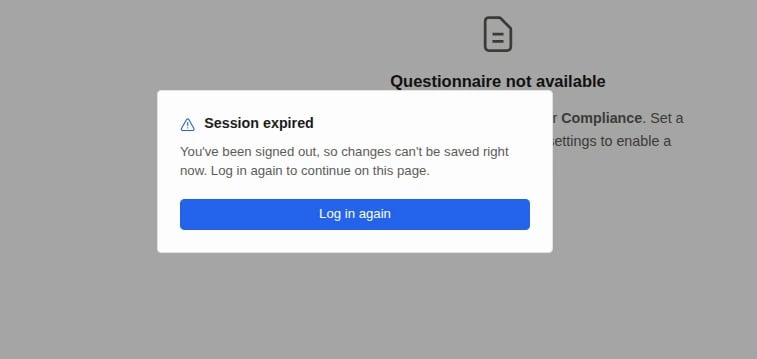
Session inactive for 15 minutes
-
Maximum session limit: For continuous active use, sessions have an absolute limit of 6 hours. Ten minutes before the session expires, a warning dialog will appear reminding you to save your work before automatic logout occurs.
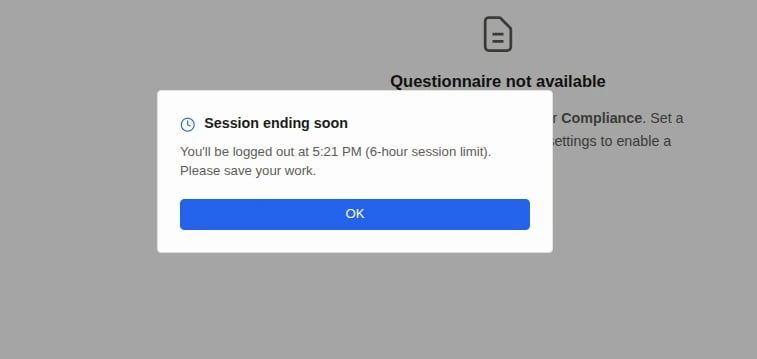
Session limit reached